
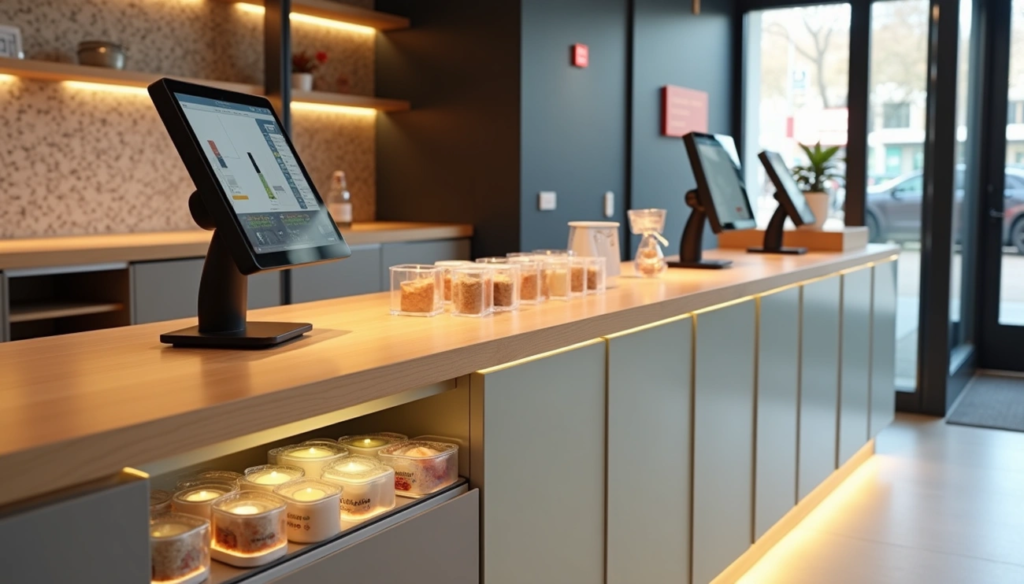
Checkout counter design requires careful planning for modern retail operations. Retail spaces now implement simpler, organized layouts that support efficient transaction processing. Checkout areas function as sales points beyond basic payment processing.
Retail checkout counter systems include mobile POS technology for staff assistance throughout store areas. Materials such as recycled wood, glass, and bamboo appear in boutique checkout counter construction [9]. Current checkout stations process payments and serve as customer interaction points.
Store owners use checkout counter displays to influence final purchase decisions. Strategic checkout area design increases impulse purchases, improves customer processing efficiency, and supports brand presentation. This guide covers checkout counter creation methods that process transactions effectively and generate additional revenue.
Layout Planning for Customer Flow and Operational Function
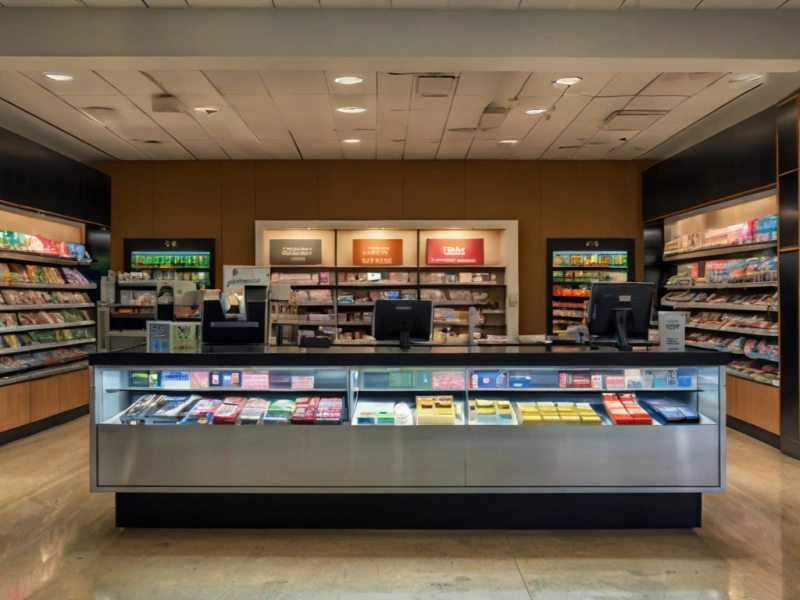
Retail checkout counter success requires strategic layout planning. Layout design supports customer movement, maximizes sales opportunities, and creates efficient transaction processing areas.
Customer Movement Pattern Analysis
Customer behavior shows predictable movement patterns. Research indicates 90% of customers are right-handed, causing natural right-turn movement upon store entry. This data guides checkout counter placement decisions.
Traffic pattern identification methods include:
- Staff observation of customer movement routes
- Video analytics for hot spot and cold zone identification
- Dwell time analysis in specific store sections
The decompression zone covers the first 15 feet inside store entrances, where customers rarely notice products or displays [11]. Areas beyond this zone provide opportunities for customer engagement elements.
Checkout Station Location Selection
Front left corner positioning creates the longest customer path through merchandise for most U.S. retail operations. This placement follows natural right-turn customer tendencies and allows complete store circulation before checkout.
Studies indicate 20% of shoppers abandon purchases when wait times exceed three minutes. Adequate space and sufficient checkout stations during peak periods maintain customer retention.
Visibility and Accessibility Balance
Checkout areas should occupy 10-15% of total retail space. This proportion provides queuing space while maintaining store flow efficiency. ADA Standards for Accessible Design require 30-40 inches of space in front of checkout counters.
Checkout counter design specifications include:
- Clear pathways without aisle obstruction
- Positioning near exits, not directly at entrances
- Ergonomic heights for staff and customer comfort
Open and organized checkout areas create positive shopping conclusion experiences. This final customer touchpoint influences return visit decisions.
Checkout Counter Construction: Material Selection and Functionality
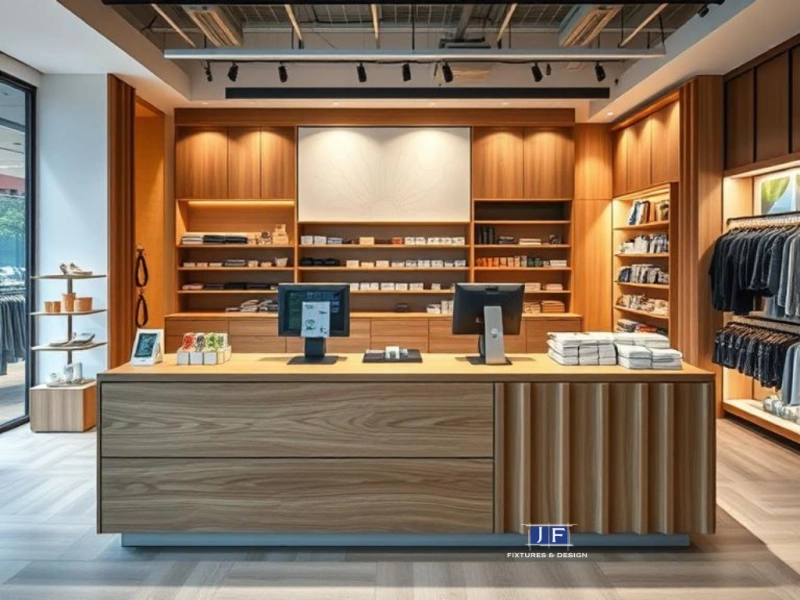
Checkout counter construction affects transaction processing speed and operational efficiency. Streamlined checkout stations support customer processing during peak business periods.
Material Specifications for Retail Applications
Retail checkout counters require materials that support high-volume daily operations. Store fixtures benefit from material selection based on durability and maintenance requirements. Counter surfaces from wood, glass, or metal provide workspace for transaction processing.
Material options for checkout counter construction:
- Quartz surfaces: Non-porous composition, stain-resistant properties for retail environments
- Stainless steel: Industrial durability, sanitization compatibility
- Solid surface materials: Corian integration capabilities, color customization options
- Modern laminates: Cost-effective alternatives with enhanced durability specifications
Neutral color applications including whites, grays, or natural wood maintain focus on merchandise rather than fixture elements.
Storage Integration for Equipment Organization
Storage solutions maintain counter surface organization while housing operational equipment. Full-extension drawers with soft-close slide mechanisms provide equipment access without compromising surface appearance. Storage compartments accommodate POS equipment, shopping bags, and checkout supplies while maintaining clear counter areas.
Locking drawer systems and concealed compartments provide security for valuable equipment and reduce inventory shrinkage. Under-counter cubby integration maintains surface cleanliness for transaction processing.
Surface Maintenance Requirements
Counter surface materials require daily cleaning capabilities for retail operations. Material selection should support constant use while maintaining simple maintenance procedures. Quartz surface composition resists bacteria due to non-porous properties suitable for high-traffic retail applications.
Matte surface finishes reduce glare and minimize fingerprint visibility compared to glossy alternatives. Scratch-resistant and stain-resistant surface selection reduces maintenance requirements and maintains professional fixture appearance.
Technology Integration for Checkout Systems
Technology systems convert standard checkout counters into sales-generating stations. Digital solutions increase transaction processing speed and create additional revenue opportunities.
Mobile POS and Contactless Payment Implementation
Mobile point-of-sale systems enable staff transaction processing throughout store areas, reducing customer wait times. These portable systems provide employees instant inventory access and customer purchase history. Contactless payment options include NFC capabilities for card, phone, and wearable device payments. Smart terminals support loyalty program enrollment and customer feedback collection at checkout.
Digital Display Systems for Sales Promotion
Digital signage positioned at checkout counters creates upsell opportunities during final purchase decisions. These displays show current promotions, limited-time offers, and loyalty program benefits when customers complete transactions. Checkout displays increase impulse purchases and raise average order values by 12%. Digital screens provide real-time content updates compared to static promotional materials.
Inventory System Integration for Stock Management
Payment system integration with inventory management creates automatic stock level updates after each sale and triggers reordering at preset thresholds. This integration removes manual entry requirements and provides current inventory data. Mobile applications allow staff to make inventory updates from any store location. E-commerce platform connections enable automatic synchronization across sales channels, preventing stock overselling.
Customer Experience Requirements at Checkout Stations
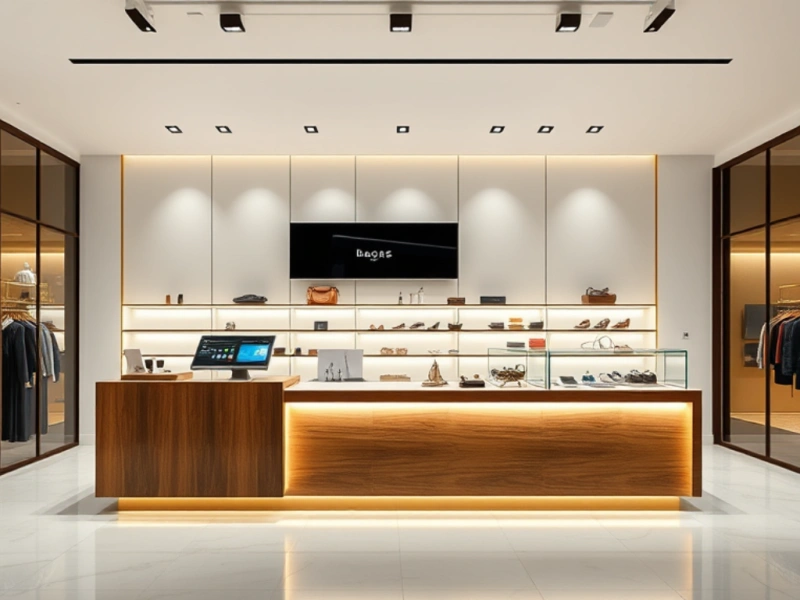
Checkout counter areas require specific design considerations for customer processing efficiency. Customer experience factors affect transaction completion rates and repeat business development.
Accessibility and Spacing Standards
ADA-compliant checkout counter design includes clear floor space requirements for mobility device users [1]. Adjustable height counter sections provide wheelchair user access during transaction processing [19]. Standard spacing measurements prevent customer crowding during checkout operations.
Counter height specifications:
- Standard checkout surface: 36-42 inches
- Accessible counter section: 28-34 inches maximum
- Clear floor space: minimum 30 x 48 inches
Lighting and Visual Direction Systems
Checkout counter lighting combines ambient and task lighting for staff transaction assistance [6]. Register identification signage with illumination helps customers locate open checkout lanes [20]. Visual guidance systems reduce customer confusion during peak operation periods.
Lighting requirements include:
- Ambient lighting: 30-50 foot-candles
- Task lighting: 70-100 foot-candles at counter surface
- LED strip lighting for product display areas
Product Display Positioning
Studies indicate 87% of customers make impulse purchases at checkout locations [21]. High-margin product placement near register areas increases purchase opportunities [22]. Display options for checkout areas include:
- Countertop display racks for small products
- Acrylic storage bins for individual items
- Tiered display systems for product visibility
Brand Identity Integration
Checkout areas provide brand identity reinforcement opportunities through logo display and color integration [4]. Brand elements at checkout points create consistent customer experience and recognition development. Logo placement behind counter areas and brand color incorporation support business identity presentation.
Business Results
Effective checkout counter design requires proper planning of multiple business components. Strategic store placement creates customer flow patterns. Minimalist design principles support transaction processing efficiency. Technology integration accelerates payment processing and provides upselling capabilities.
Checkout areas serve as final customer contact points before store exit. Design decisions at checkout locations affect customer satisfaction and repeat business rates. Accessibility features, appropriate lighting, and product placement convert transaction spaces into sales tools.
Checkout counters function for dual business purposes: payment processing and last-minute purchase opportunities. Store owners who implement both functions report higher average transaction values and improved customer retention. Quality materials, integrated technology, and ergonomic design generate increased sales and brand recognition.
Retail environments use checkout areas as brand experience components beyond functional requirements. Well-designed checkout counters become valuable store assets for brand reinforcement and revenue generation.
Key Takeaways
Transform your checkout counter from a simple transaction point into a powerful sales driver with these essential design strategies:
• Position strategically for maximum flow: Place checkout counters in the front left corner to leverage natural customer movement patterns and create the longest path through merchandise.
• Embrace minimalist design for speed: Use clean lines, hidden storage, and easy-to-maintain materials like quartz or stainless steel to reduce clutter and accelerate transactions.
• Integrate smart technology for upsells: Implement mobile POS systems, contactless payments, and digital displays to reduce wait times while showcasing promotions at the critical decision moment.
• Optimize for impulse purchases: Strategically place high-margin items near registers, as 87% of shoppers make impulse buys at checkout, potentially boosting sales by 12%.
• Design for accessibility and comfort: Ensure ADA compliance with proper spacing, adjustable heights, and clear lighting to create inclusive experiences that encourage customer loyalty.
A well-designed checkout counter occupying 10-15% of your retail space becomes your store’s final opportunity to reinforce brand identity and maximize revenue. When customers experience smooth, pleasant transactions in thoughtfully designed spaces, they’re more likely to return and recommend your store to others.
FAQs
Q1. What are some effective ways to stimulate sales at the checkout counter? Use tiered countertop racks to display small, high-profit items like candy or gift cards. Strategically place impulse-buy products near the register, as 87% of shoppers make unplanned purchases at checkout. Organize items in a curated, helpful manner without overwhelming customers.
Q2. How can retailers improve their counter sales? Focus on quality conversations with customers, understand their needs, and offer product demos or free samples when appropriate. Train employees to greet customers warmly and follow up after purchases. Emphasize selling solutions to customer pain points rather than just pushing products.
Q3. What are some best practices for enhancing the checkout experience? Optimize for mobile-friendly transactions, allow guest checkout options, and minimize unnecessary information requests. Use a clean design with minimal distractions, offer various payment methods, and clearly display all costs to avoid surprises. Incorporate security badges to build trust.
Q4. How can store owners design an effective checkout counter? Position the counter strategically, typically in the front left corner, to maximize customer flow. Use a minimalist design with clean lines and hidden storage to reduce clutter. Integrate smart technology like mobile POS systems and digital displays for promotions. Ensure the counter is accessible and comfortable for all customers.
Q5. What role does technology play in modern checkout counter design? Technology transforms checkout counters into powerful sales tools. Implement mobile POS systems for flexibility, contactless payment options for speed, and digital displays for real-time promotions. Connect inventory systems for accurate stock management and use smart terminals to support loyalty programs and gather customer feedback.